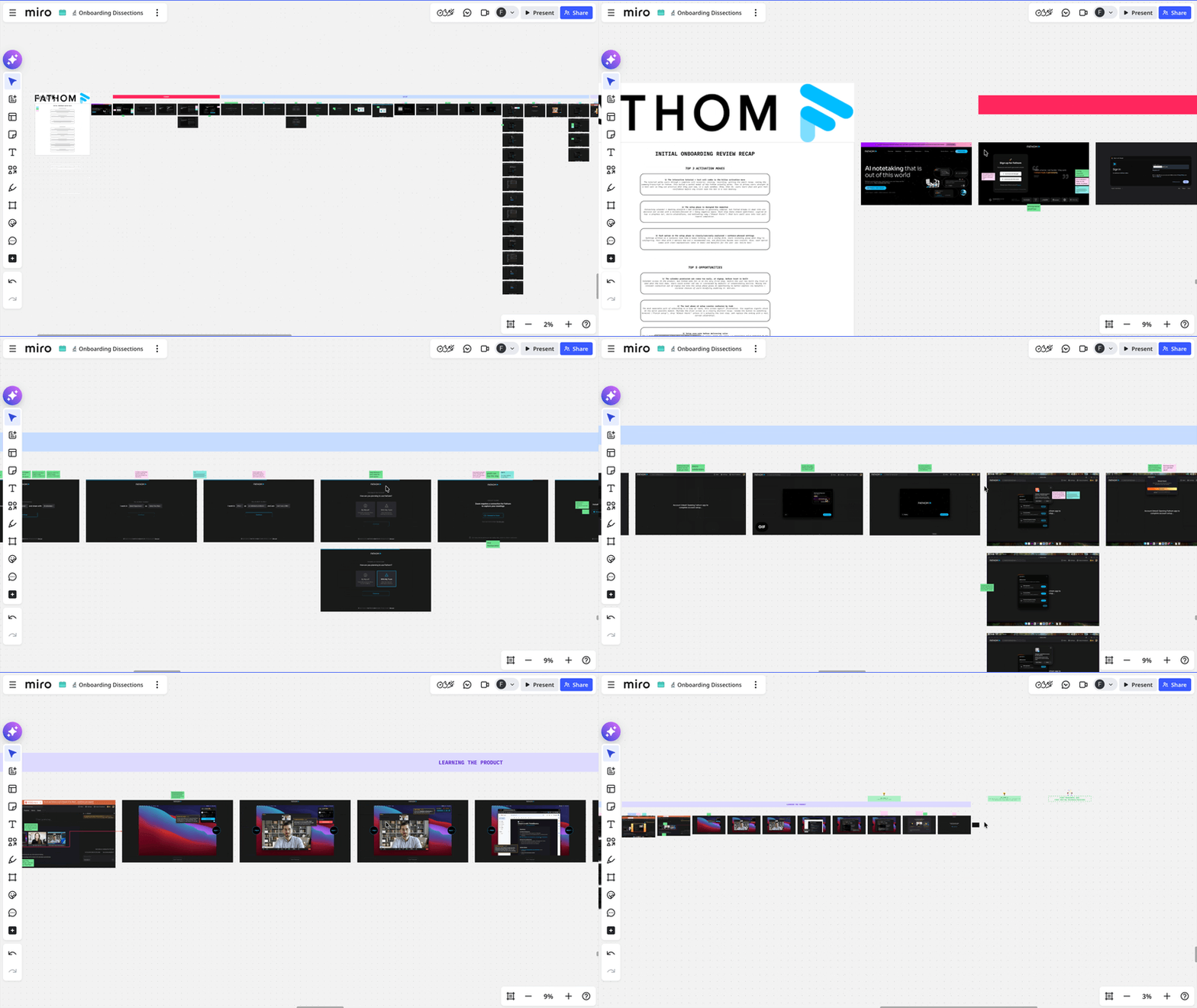
[🔬 onboarding dissection] Fathom top 3 activation moves
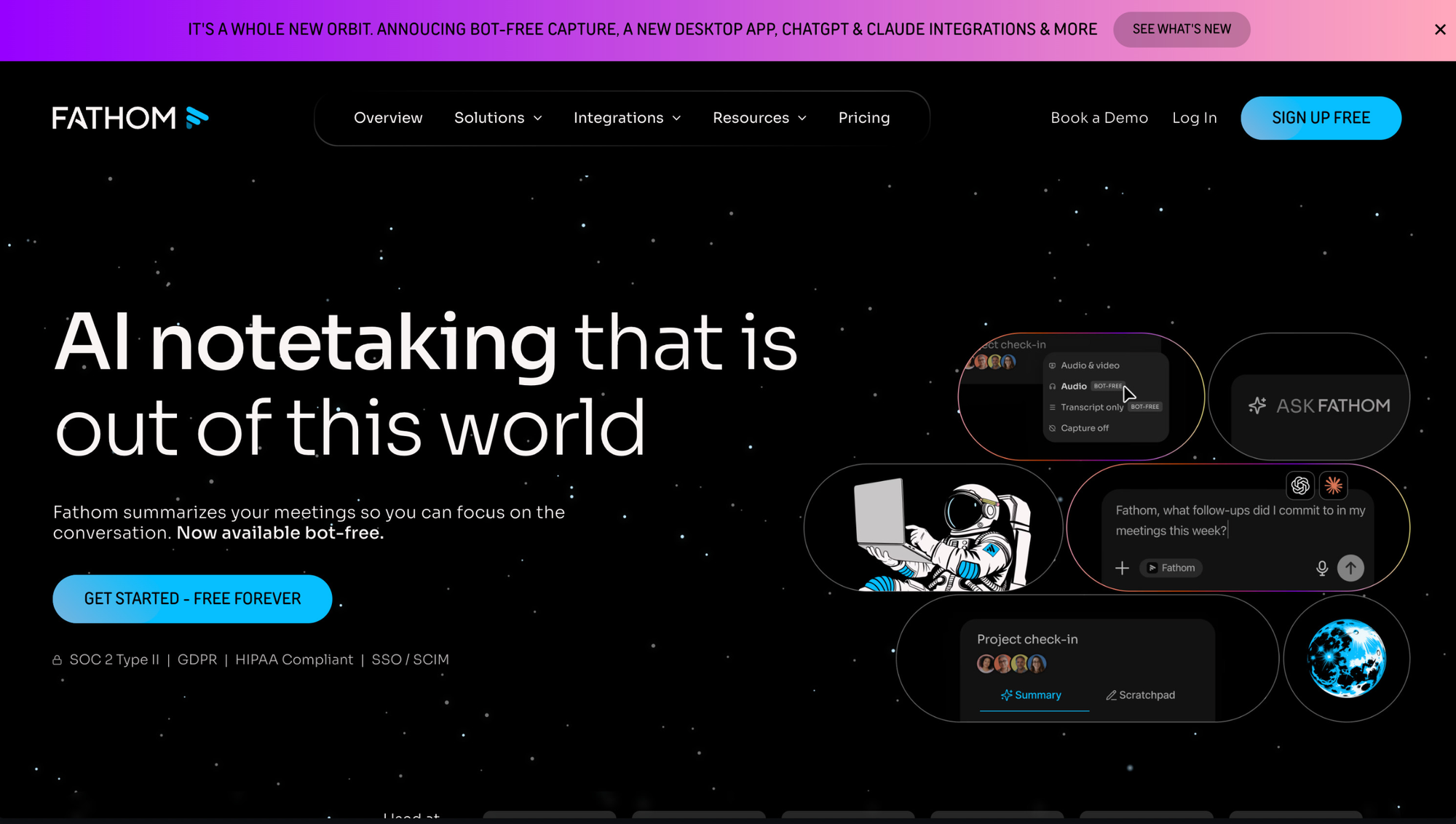
What is Fathom?
Fathom is an AI meeting notetaker. The promise: it joins your meetings, records them, and gives you back clean transcripts, summaries and action items, hands-free.
If you read my Otter dissection, you already know I've been deep in AI notetakers lately. Fathom kept coming up in the comparison (and is my favorite AI notetaker); so naturally, I had to dissect its onboarding too.
And here's what I'll say upfront: Fathom does one specific thing exceptionally well that almost no other notetaker I reviewed does.
Here are the top 3 things Fathom's onboarding does well and I believe are worth looking at if you're a B2B SaaS founder building a tool with a setup phase, a learning curve, or any product where users need to feel safe before they trust it in front of their clients/team.
TOP 1 — The interactive tutorial + test call combo: show, then do
This is the move I want every notetaker founder to look at.
Most products I've reviewed in this category drop you into a dashboard after setup and let you figure things out from there. Maybe a tooltip. Maybe a checklist. Then they wait for you to schedule a real meeting and hope it goes well.
That's a problem, because trying an AI notetaker for the first time is scary. What if the bot shows up looking unprofessional in front of a client? What if it crashes? What if it joins the wrong meeting and/or never records the right one? These fears are real, and they're the #1 reason users hesitate to actually use the thing they just signed up for.
Fathom solves this with a 2-step combo that I think is the best activation move in the entire flow:
Step 1: an interactive tutorial that walks you through a complete call scenario
Joining the meeting, recording it, getting the email recap, seeing the summary and transcript inside Fathom. You don't do anything yet. You just see what's going to happen, end-to-end.
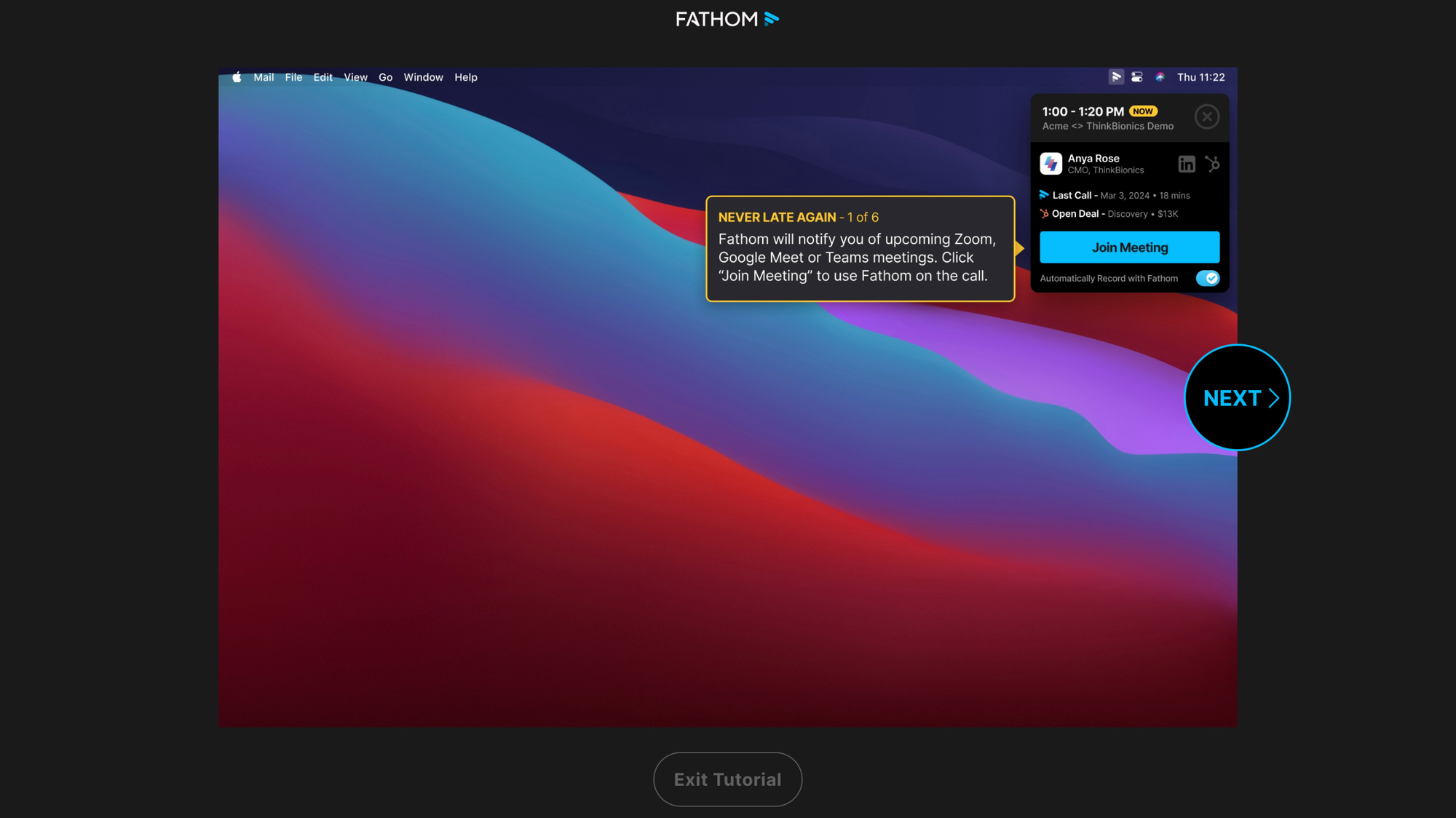
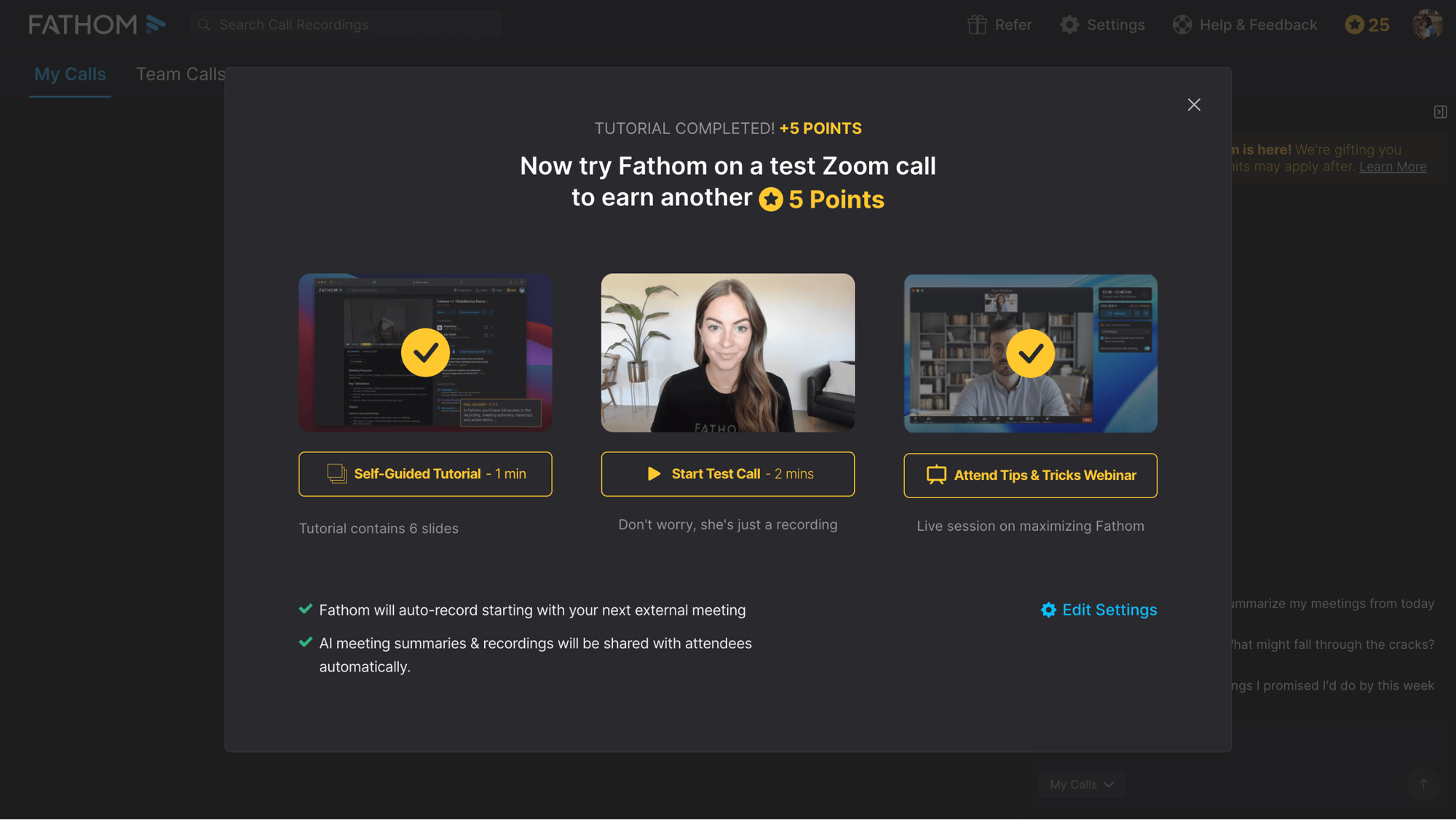
Step 2: it then drives you straight into a test call
A sandbox where you can practice what you just saw, with the real product, in real conditions, with zero stakes.
This is show, then do, and it's incredibly effective. Here's why:
- The tutorial builds a mental model. The user now knows what Fathom does, how it behaves, what the output looks like. This is the cognitive scaffolding that makes the next step feel safe instead of unknown.
- The test call embeds the learning by doing. Practice in a sandbox before performance in the real world. By the time the user joins their first real meeting with Fathom, they've already seen it work and operated it themselves. 0% anxiety, 100% confidence.
Compare this to Otter's approach (which I praised in my Otter dissection): uploading a file and getting a transcript is a meaningful aha! moment, but it doesn't simulate a real meeting. It proves the system works, but Fathom's combo proves the actual use case works, and lets the user practice it. That's a level deeper.
If your product has any kind of public-facing or "stakes-loaded" use case (notetakers, sales tools, customer-facing AI, anything users will deploy in front of clients), don't just show them what it does. Build a sandbox where they can practice it before going live. The combo of mental model first, hands-on practice second is one of the most powerful activation patterns I've seen.
TOP 2 — The setup phase is designed for momentum
Setting up a notetaker requires a few steps: you need to connect a calendar, pick a meeting platform (Zoom, Meet, Teams), decide how the bot should behave (recording style, transcription preferences, who gets access). On paper, that's a lot of decisions to throw at someone who just signed up.
But Fathom doesn't throw them at you. It engineers a flow that drives you forward:
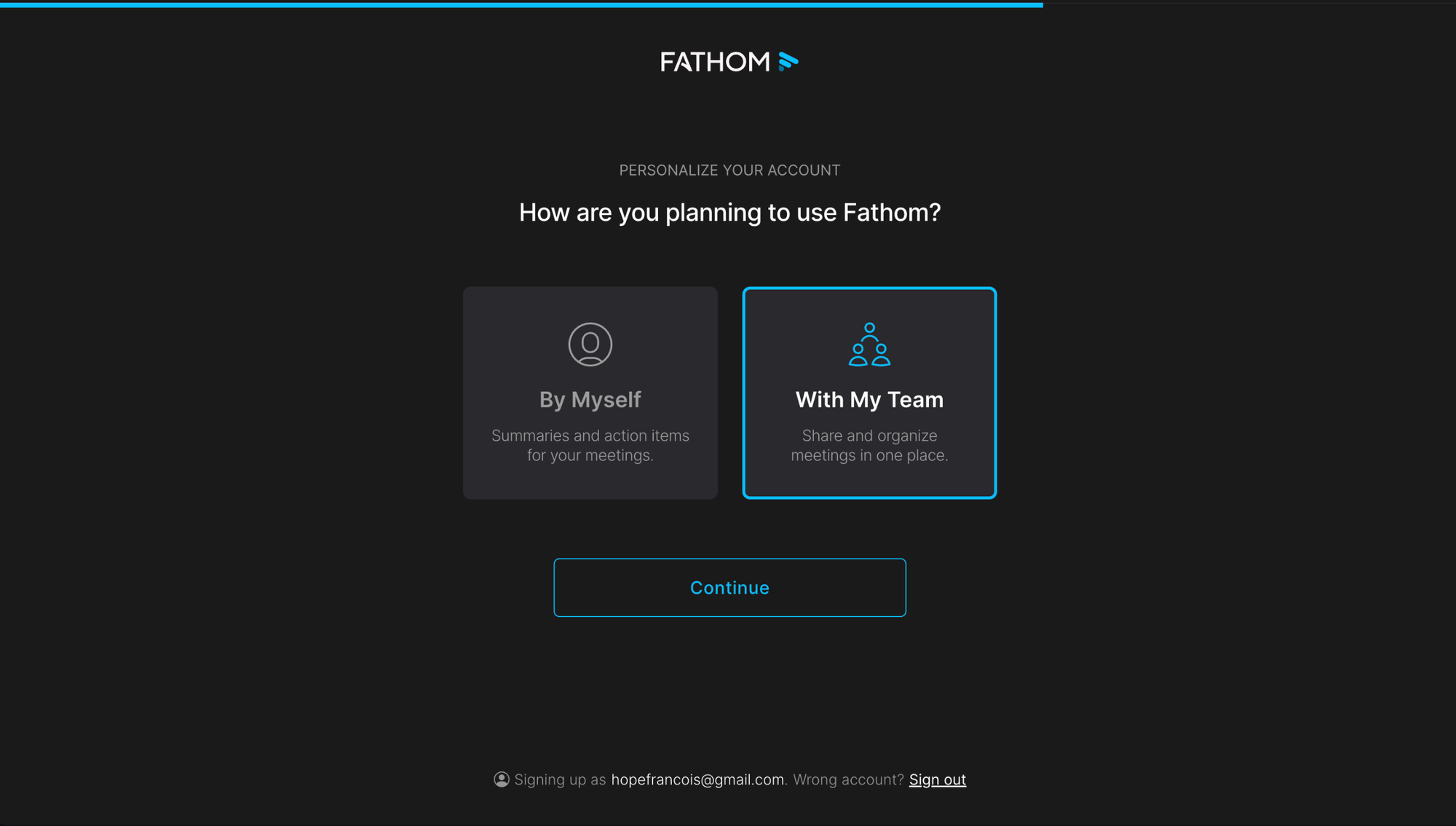
One decision per screen:
Each step has a single focused question, surrounded by heavy negative space. No sidebar with a list of things to do, no progress modal hovering at the corner, no upsells. Just the question. Cognitive load drops to near-zero, and each screen feels almost effortless.
A progress bar at the top:
Small detail, big effect. The user can feel they're making progress. The end is in sight, which keeps motivation high (this is the goal-gradient effect: the closer the goal feels, the harder we push toward it).
Micro-celebrations and motivating copy:
"Almost there!" "Last step"; micro moments of motivation that make the flow feel rewarding instead of coldly bureaucratic.
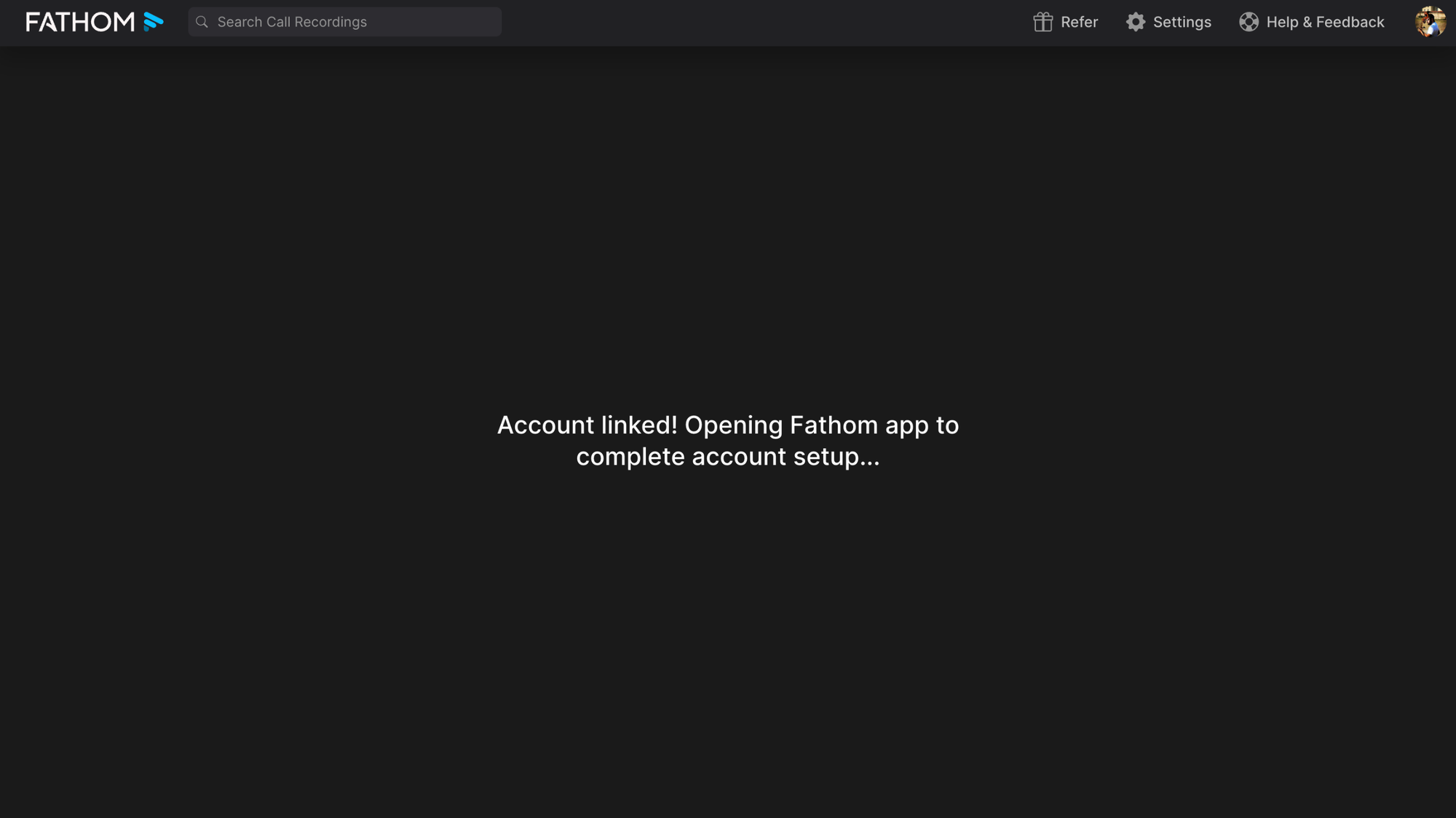
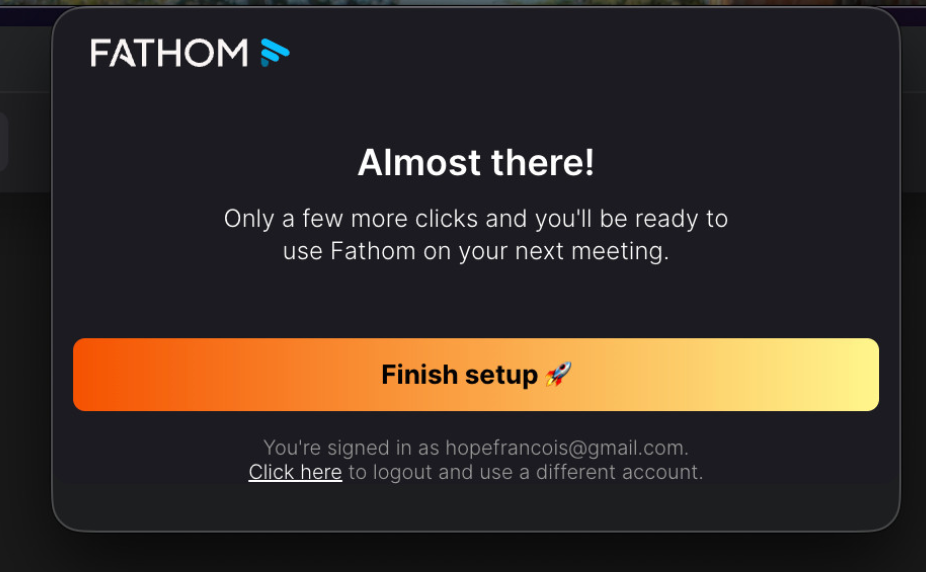
Each of these is small on its own. But stacked together, they turn what could have been a boring config form into a flow that carries the user to completion.
That said: I'd be more careful with the "Almost there!" copy. It shows up at a step where there's actually still a meaningful chunk of work ahead, and that creates a small but real moment of betrayal ("wait, I thought we were done?"). Motivating copy only works if it tells the truth.
A complex setup doesn't have to feel complex. Break decisions into one per screen, focus the UI on it and remove distractions, show a progress bar and add micro-celebrations along the way. Each lever is small, but the combination is what creates momentum. The goal isn't to make setup short, but to make it feel like the user is constantly moving toward something they want, never stuck.
TOP 3 — Settings written as sentences, not as a form
This one is small, but it's the kind of detail that separates polished products from average ones.
Most settings screens look like a form. Labels on the left, inputs on the right, dropdowns and checkboxes all other the screen. Functional, but cognitively heavy: your brain has to parse each label, decide what the field is asking, and translate your intent into the form's structure.
Fathom does something different. Some settings are written as a sentence, with the configurable bits inline:
Take notes on {All meetings in my calendar} and share with {All attendees}
You read it like a normal English sentence. The dropdowns sit naturally where they belong, and the meaning of each setting is self-evident.
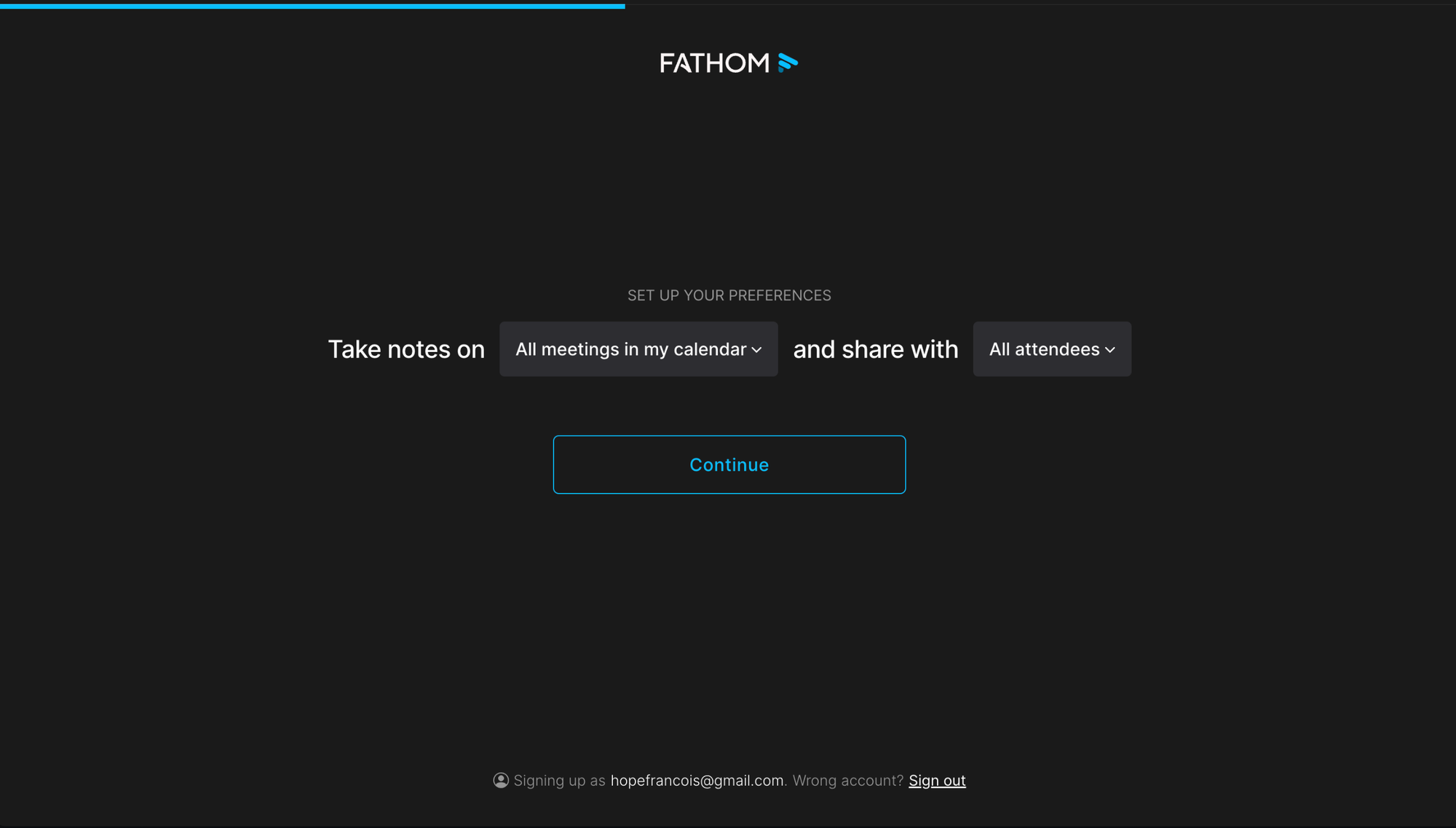
There's another smart layer: most settings have only 2 options, and one is marked as recommended. That means decisions become close to instant. The user doesn't have to compare 5 alternatives, weigh trade-offs, or read documentation. They glance, see the recommended option, click. Done.
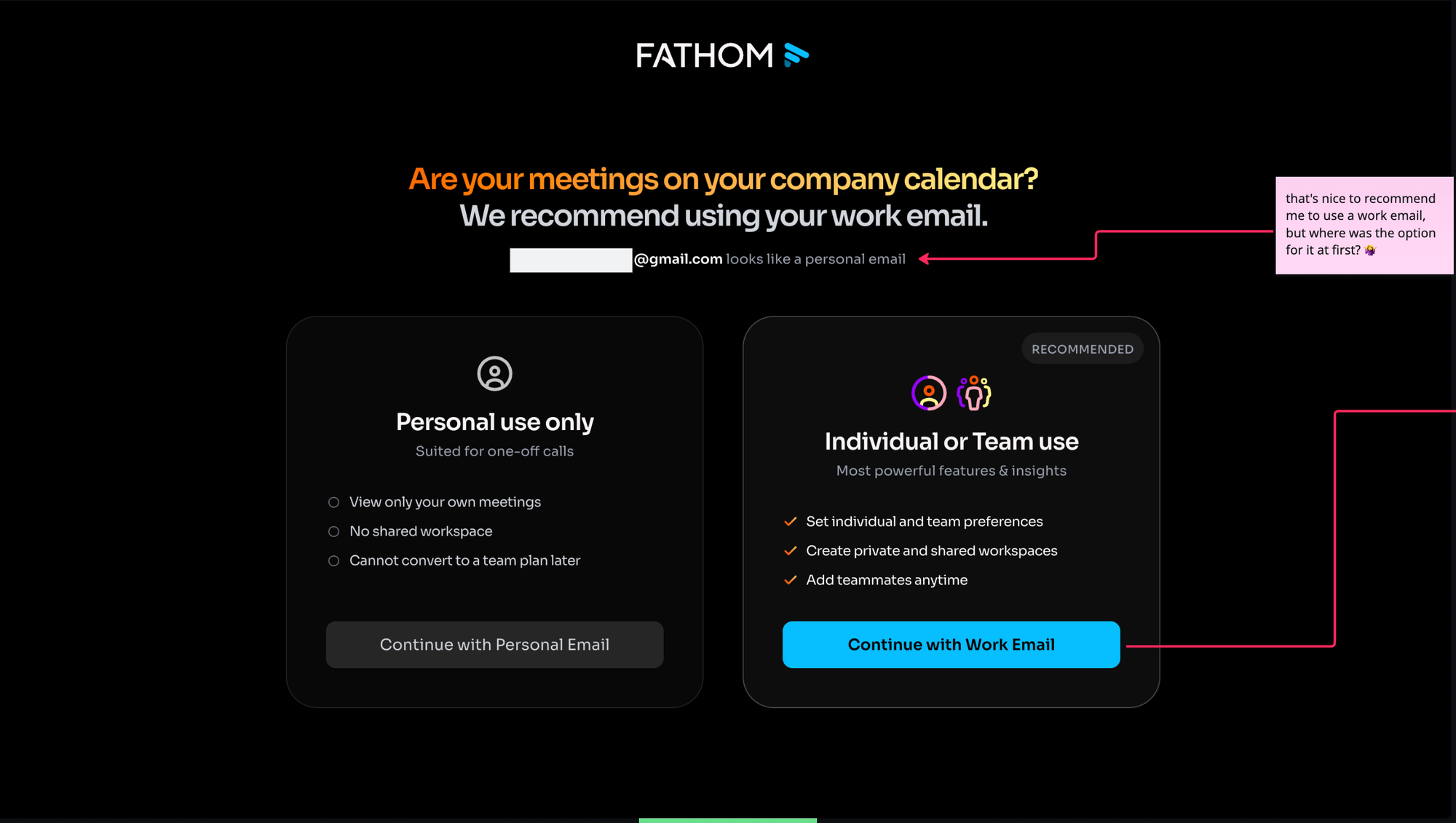
Each option also comes with a one-line explanation of what it does and what's in it for the user. The "have a bot join, or not" choice is a great example: clear consequences, clear benefits, no jargon.
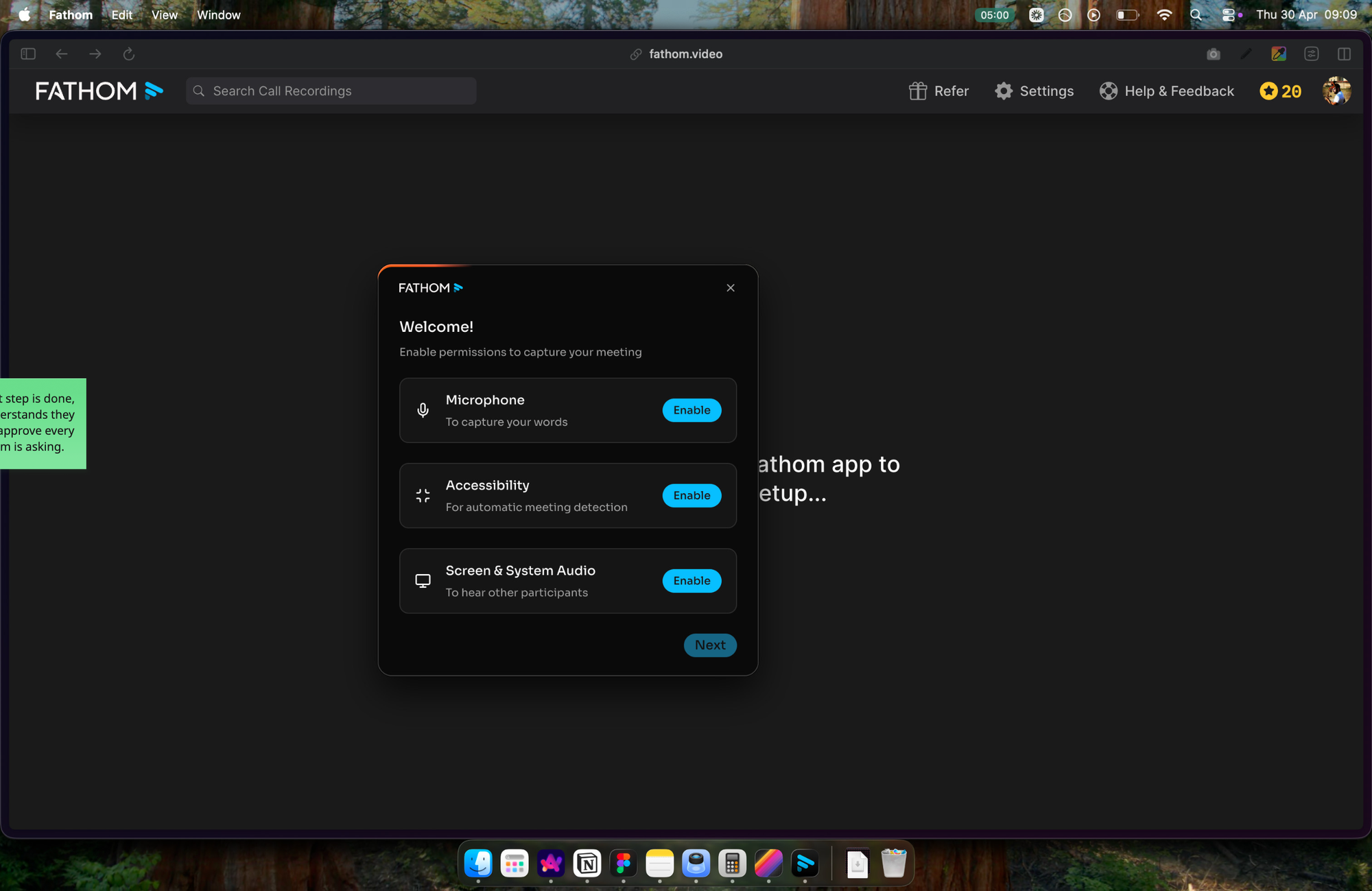
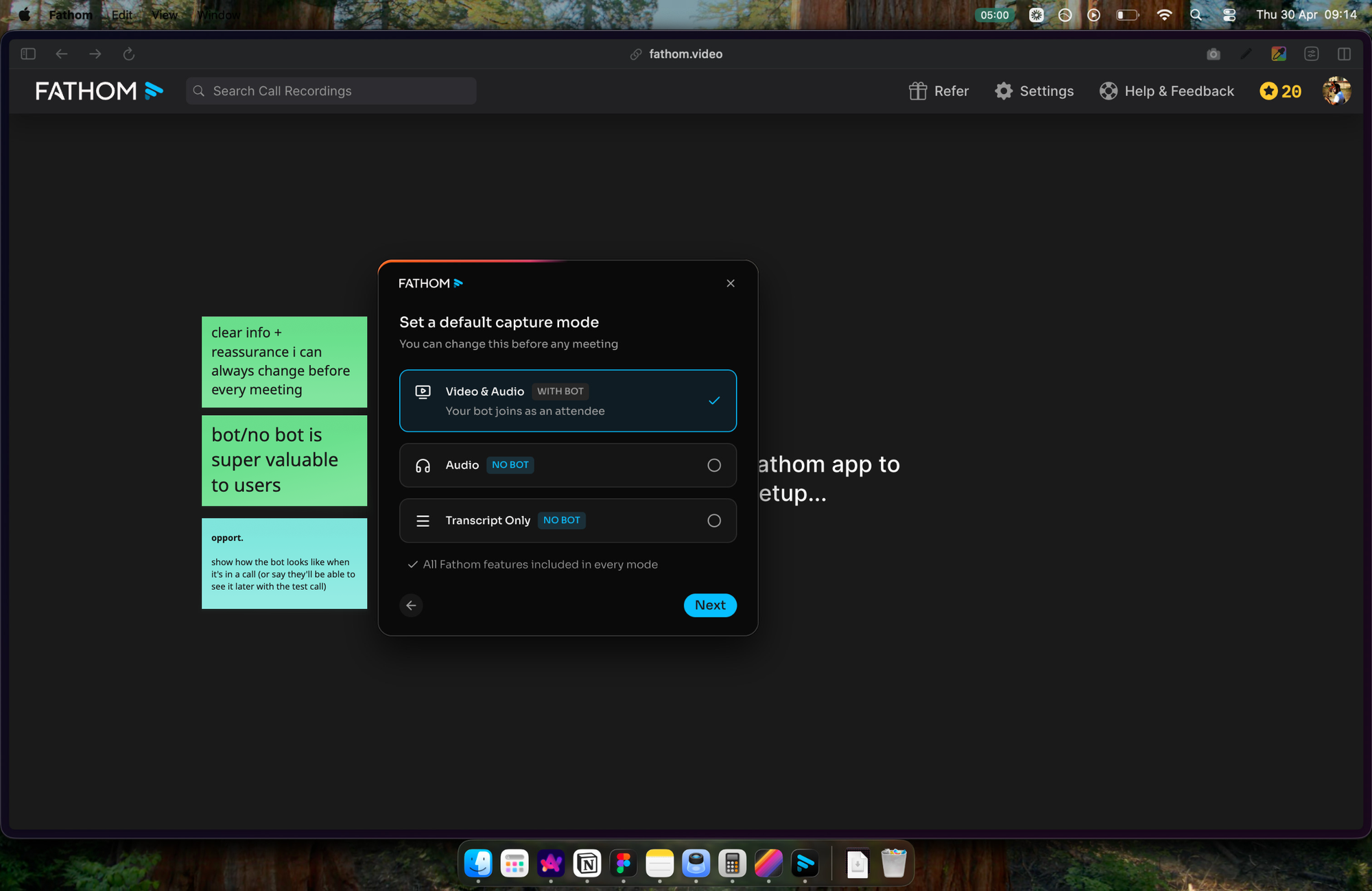
Why this works:
- Sentence-form reads like a human talking, not a config form. Cognitive load drops, comprehension goes up.
- 2 options + recommended one removes decision paralysis. The user doesn't have to be an expert to make the right call.
- Inline explanations turn each setting into its own micro-justification. The user understands why they're choosing what they're choosing.
It's a small UX choice, but it's the kind of choice that compounds. Setup feels less like configuration, more like describing your preferences. And describing yourself is something humans actually enjoy doing.
How a setting is presented matters as much as what it asks. Write settings as sentences when you can. Limit options to 2-3 with a recommended one. Add a one-liner that explains what each option does and what's in it for the user. The sum of these tiny decisions is what makes a setup phase feel light, human, and easy to get through.
What to take from this
Fathom's onboarding has its share of friction: sign up, download the app, go through 2 phases of setup/config before finally landing on the product itself.
But what Fathom gets right, it gets very right:
- a show-then-do activation combo that builds skill, trust and confidence
- a setup phase engineered for momentum rather than just functional completion
- sentence-form settings that turn configuration into something close to a conversation
The pattern across all 3 is the same: Fathom takes things that are usually treated as friction or chore (learning the product, configuring it, understanding settings) and redesigns them as moments that build trust, momentum and confidence.
That's the work. Onboarding isn't about removing all friction. It's about choosing where to invest effort so that the friction that remains feels worthwhile to the user.
As always, it's not just about features, or logic. It's about psycho-logic.
I hope this was valuable.
PS_
Want me to review your onboarding for $0? Apply here.
I'll share a miro board with screen-by-screen annotations and top recommendations I'd work on first, and why. I'll look at it through both a strategic, user psychology and UX lens, based on the same system I use with clients.
(No commitment, no following harassment with a drip email campaign or whatever)
Senior Product Designer • Activation/Onboarding Specialist
Helping B2B SaaS founders activate, convert and retain more users
Let's talk → LinkedIn | fsimitchiev.com